The same night, on a bigger screen.
Plan on your computer, run the session from it, and turn the result into something worth sharing.
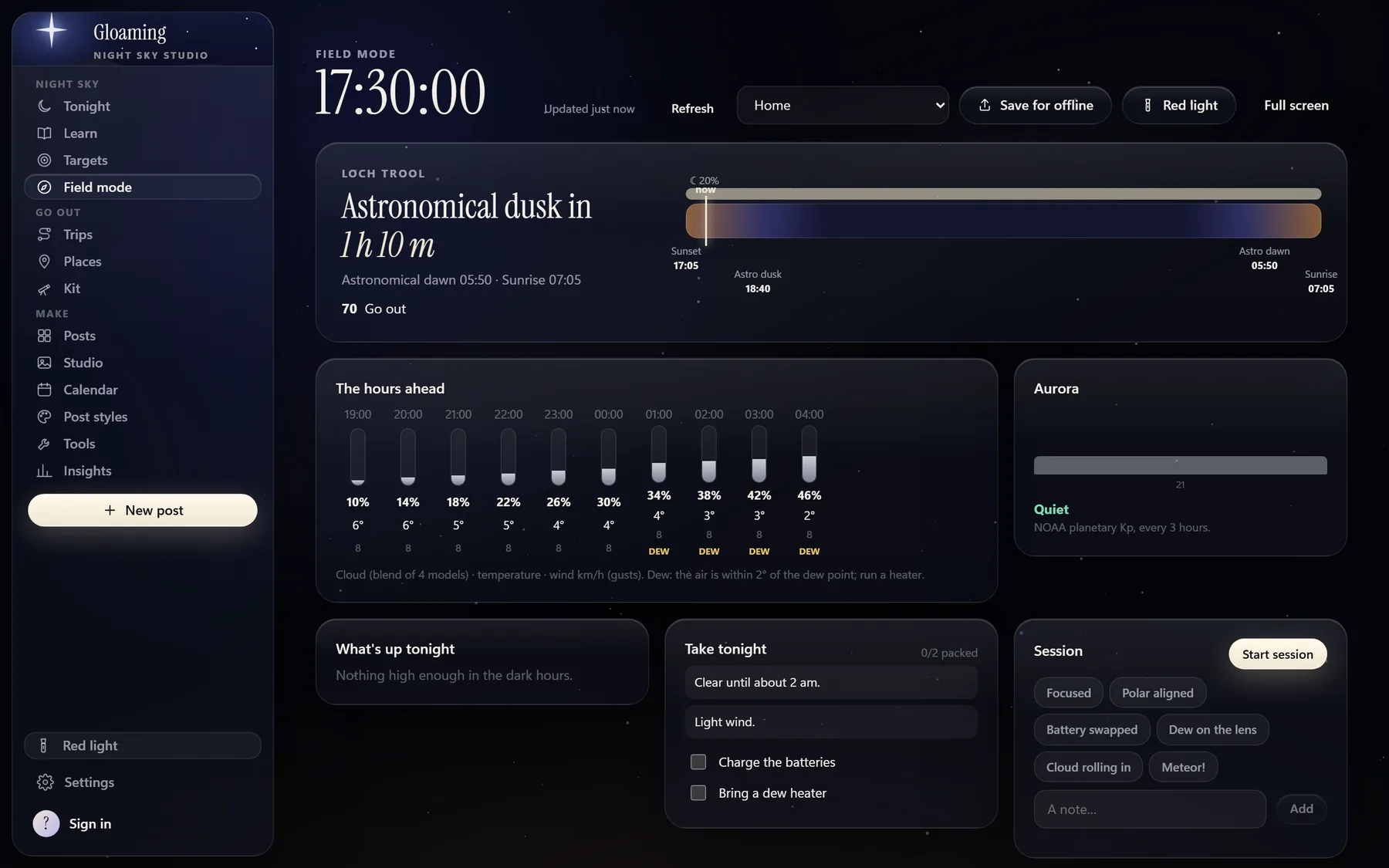
Field mode
For a laptop in the field. The clock, the hours ahead, aurora activity, a packing list and a session log, with red light.
Going off grid
Save for offline before you leave, and the night's plan goes with you.
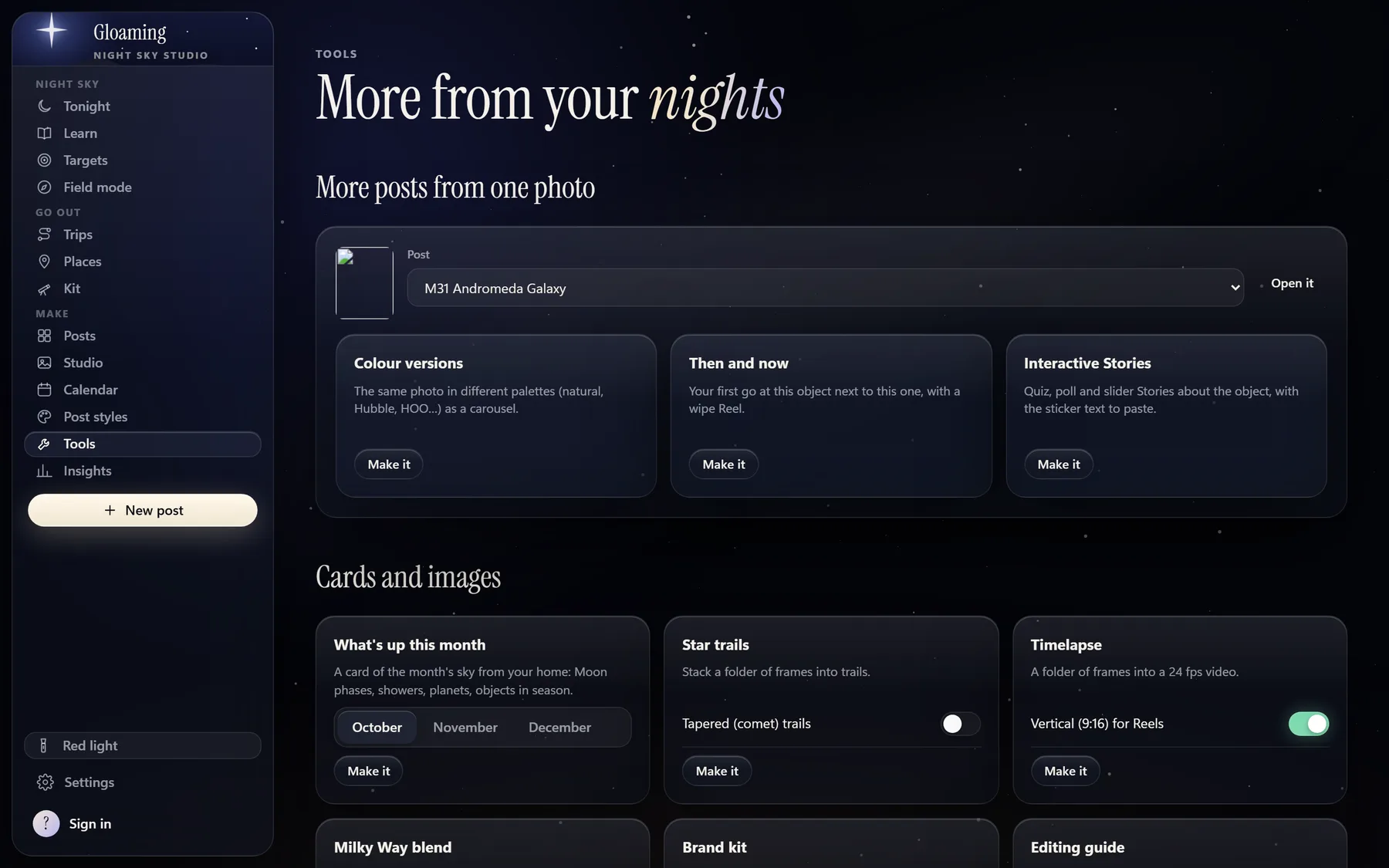
Posts and Tools
Drop in a finished photo. Gloaming reads the object from the file name and looks up its facts, and you build the post in your own style.
What you can make
- Colour versions, Then and now, and Interactive Stories from one photo.
- What's up this month cards, from your home's sky.
- Star trails and timelapse from a folder of frames, and a Milky Way blend.
- Post styles and a brand kit, so everything looks like yours.
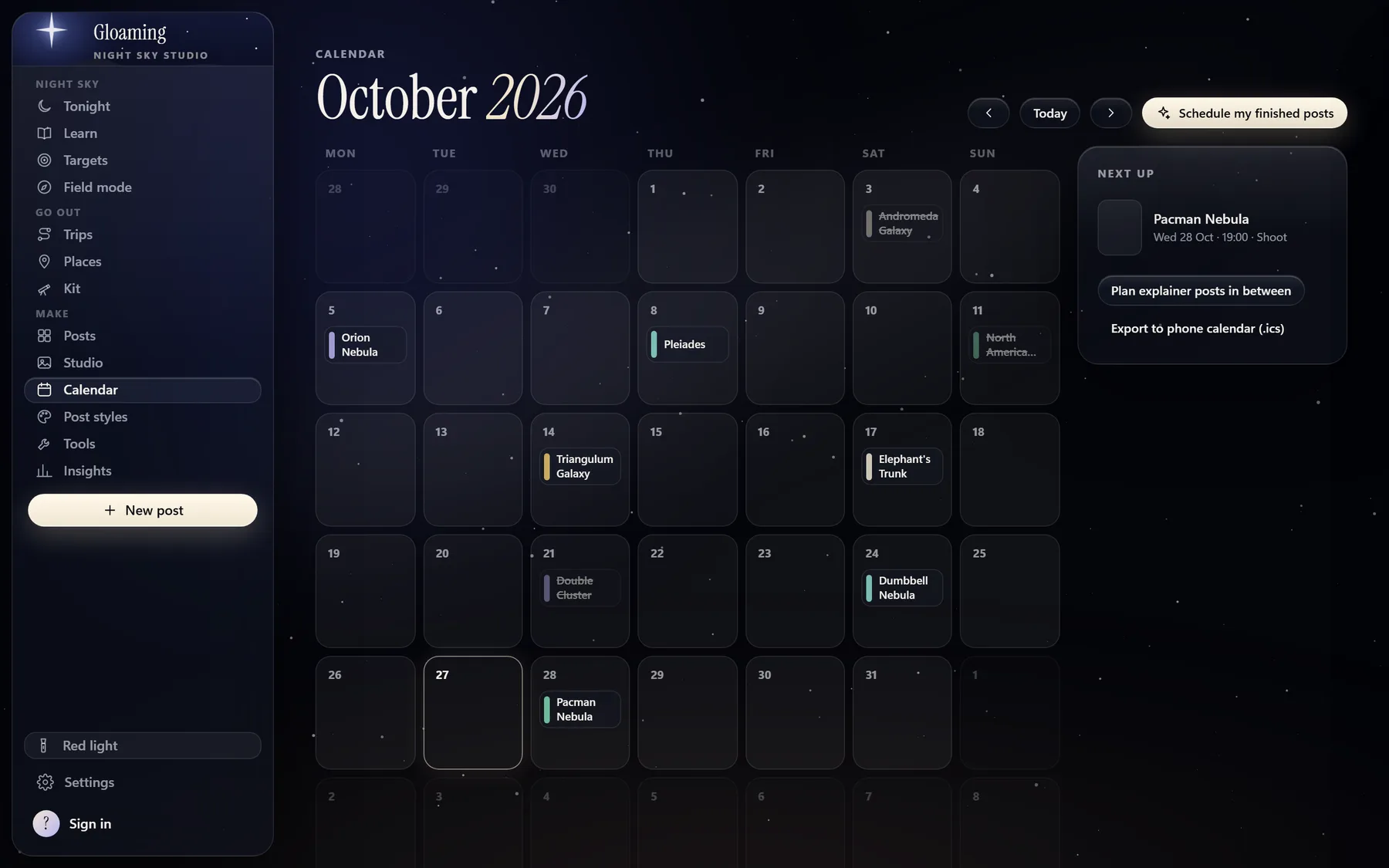
Calendar
Lay out your posts and shoots across the month. Export it to your phone's calendar, and the phone app reminds you when a post is due.
Also on desktop
- Tonight, Learn, Targets, Trips, Places and Kit.
- Night alerts on your computer, if you turn them on.
- Updates arrive inside the app.
Screens show sample data.